Free QR Code for Wedding Photos
A printable sign that sends guests straight to your album.
Paste the link to your wedding photo album, add your names, and we will turn it into a QR code with three ready-to-print signs, in whichever colours suit your wedding. Works with any album link. No account, no email, and the code never expires.
How to make a QR code for wedding photos
- 1
Copy your album link.
Open the album guests will upload to and copy its share link. Check it opens in a private browser window, so you know it works for someone who is not you.
- 2
Paste it in and add your names.
The QR code is made right here in your browser. Nothing is sent to us, and nothing is stored.
- 3
Download, test, print.
Pick a design, download the high-resolution PNG, and give it a test scan before you send it to the printer.
Where to put your wedding photo QR code sign
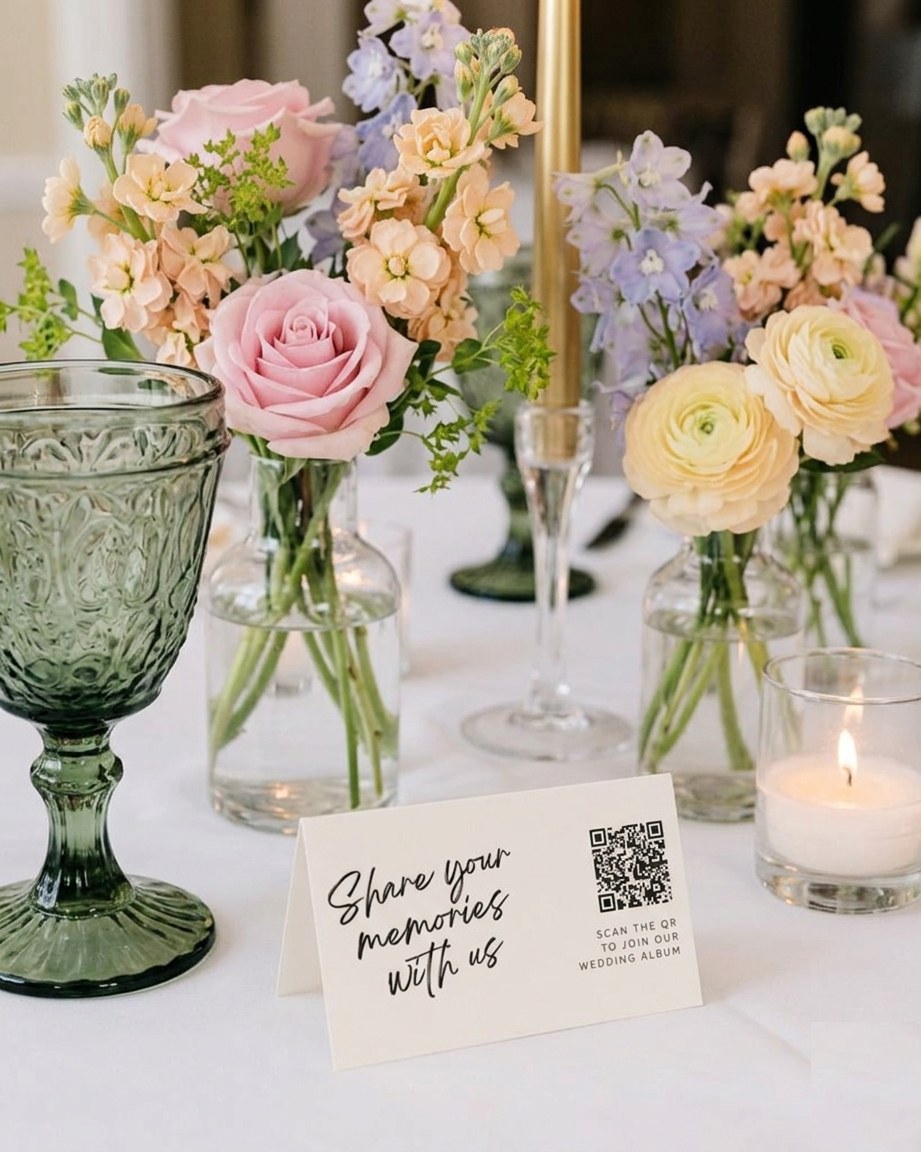
Put it wherever guests pause with a phone already in their hand. The welcome sign catches everyone on the way in. A card on each table catches them during the speeches, which is when most phones come out anyway. The bar is a quiet winner: people queue, people wait, people scan.
Add a small one to the order of service or the menu, and ask whoever is on the microphone to mention it once during dinner. One mention tends to do more than ten more signs.
Size matters more than people expect. A good rule of thumb is that a code scans comfortably from about ten times its own width:
- Table card or menu3 to 4 cm
- Welcome sign on an easel10 cm or more
- Order of service or sticker2.5 cm minimum

Static or dynamic: what your printed code really points at
This tool makes a static QR code. Your album link is written into the pattern itself, so the code works for as long as the link does. There is no middleman, no subscription, and nothing that can be switched off later.
A dynamic code works differently. It points at a short link run by the QR company, which then forwards guests to your album. That lets you change the destination after printing, which is genuinely handy. The catch is that the forwarding only works while that company keeps it running, and plenty of free generators quietly stop after a trial, taking every printed sign with them.
Our advice: use a static code, and point it at a link you control and know will not change for at least a year. Then the only thing that can break your signs is you.
A QR code is only as good as the album behind it
The code is the easy bit. What decides how many photos you end up with is what happens after the scan. If guests land on a page that asks them to download an app, sign in, or make an account, a good share of them will quietly put their phone away. Shared cloud folders can be confusing on a phone, and some albums stop accepting uploads once a limit is reached.
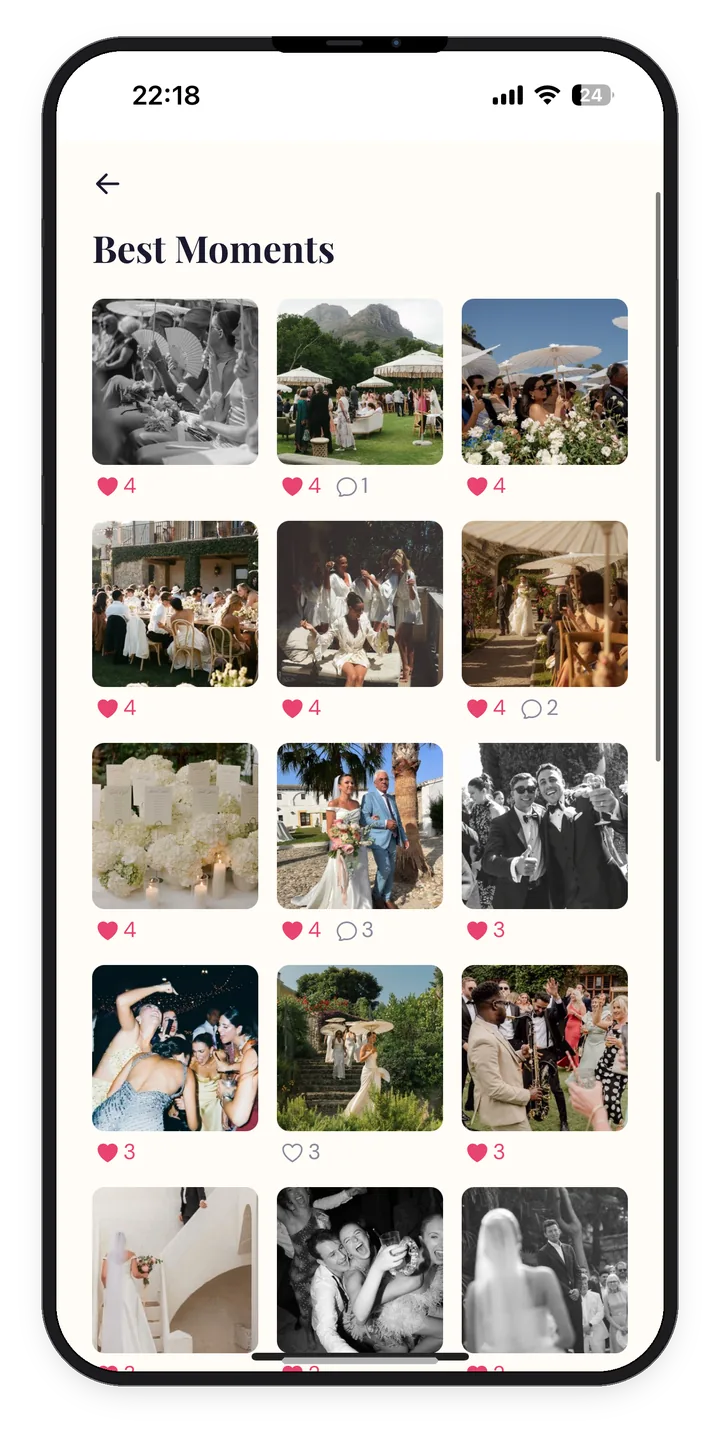
Posy was built for exactly this moment. Guests scan, a page opens in their browser, and their photos and videos go straight into one private gallery. No app, no account, no upload cap, and twelve months to keep collecting, from $29 as a one-off payment. Your Posy gallery comes with its own QR code, and you can still print it on any of the signs above.
Weighing up your options? We compared nine of them, honestly, in our guide to the best wedding photo sharing apps.
Frequently Asked Questions
Yes. No account, no email, no watermark and no trial. The code is made in your browser and belongs to you. Posy makes its money from the photo gallery product, so the QR tool stays free for everyone.
No. It is a static code, so your link is written into the pattern itself and there is nothing to expire. It will keep working for as long as the link it points at keeps working.
Not with a static code. If the link changes, you will need a new code and new prints. That is why it is worth choosing your album first and making sure the link is one you control and will not change.
The page where guests can add their photos, not just view them. That might be your Posy gallery, a shared Google Photos album with adding turned on, or a file request link from a cloud drive. Test it on a phone that is not signed in to your accounts, because that is what guests will see.
No. The camera app on almost every modern iPhone and Android phone reads QR codes. Whether guests need an app after scanning depends on where the link goes. Posy opens in the browser with no app or account. Some other albums ask guests to sign in first.
Roughly a tenth of the distance it will be scanned from. Three to four centimetres works on a table card, and ten centimetres or more on a welcome sign that guests read from a step or two away. Print dark on a light background, and avoid very glossy finishes that catch the light.
You have the sign. Now give it somewhere lovely to go.
One private gallery, one QR code, every photo and video your guests took. No app for them, nothing to chase for you.
Set it up in five minutes.