Free Wedding Hashtag Generator
A hashtag your guests will actually use.
Tell us a little about you both. We will draft a handful of unique ideas in seconds. Pick the one that sounds most like you. No account, no email, completely free.
How it works
- 1
Enter your names.
Our wedding hashtag generator works with any name combination.
- 2
Pick a style.
Classic, funny, punny, or romantic. Add your date or story for more personal ideas.
- 3
Copy and go.
A handful of unique wedding hashtags, ready for your signage, website, and socials.
What makes a good wedding hashtag
The best wedding hashtags are short. A tag guests can read at a glance is a tag they will actually type, and a shorter one is far harder to misspell after a glass or two of champagne.
Use CamelCase, a capital letter at the start of each word, so #ForeverTheHartleys reads cleanly where foreverthehartleys turns to mush.
Before you fall for one, search it on Instagram and TikTok: if a hundred other couples got there first, your photos will end up filed with theirs. Say your favourite out loud once, too, because the odd unfortunate word only reveals itself when spoken.
That, more or less, is how to create a wedding hashtag worth printing. One honest caveat before you commit: a hashtag only ever reaches the posts guests choose to make public, so plenty of couples set up a private gallery alongside it, like Posy, to quietly gather everything else.


How to share your wedding hashtag with guests
Put it where guests cannot miss it: welcome signs, table cards, menus, the order of service, and your wedding website. A tag on the entrance sign and another on every table tends to do the most work, and repetition is your friend. The more often people see it, the more likely they are to remember it when the moment arrives.
Here is the honest part, though. Even with your hashtag on every surface, you will only ever see a fraction of the photos taken that day. The best ones have a habit of staying exactly where they were shot: in a guest's camera roll, never posted anywhere.
The photos a hashtag never catches
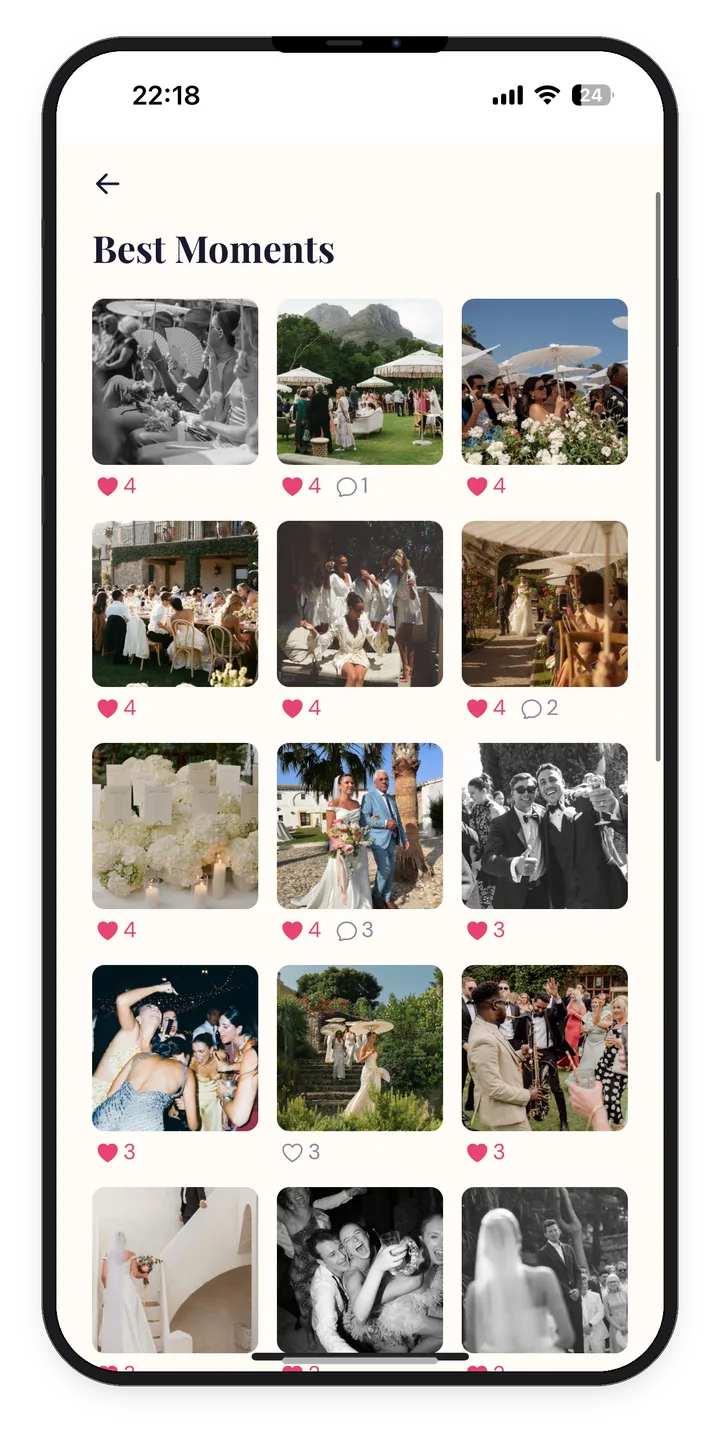
A hashtag is brilliant for the social side of the day, but it has a blind spot. Some guests keep their accounts private, so their posts never surface. Some misspell the tag. Some post to TikTok when you were watching Instagram. And plenty, the lovely ones who were too busy dancing, never post at all. Their best shots stay buried in camera rolls forever.
A QR code closes that gap. Guests scan it, and their photos and video go straight to one shared gallery: no app to download, no login, no social account required. You end up with the whole day, not just the parts that made it to the feed.


Frequently Asked Questions
Start with your names or new shared surname, then play with rhyme, puns, or a shared in-joke. Keep it short, easy to spell, and easy to read in CamelCase. Or skip the effort and use the generator above, which drafts a handful in seconds based on your names and chosen style.
Search it on Instagram and TikTok before you commit. If dozens of other weddings already used it, your photos will be mixed in with theirs. A quick search now saves confusion later. Small tweaks, like adding your wedding year, usually make a common tag unique.
Yes. The same hashtag works across Instagram, TikTok, and most social platforms, which is part of the point: one tag, everywhere. Just remember that hashtags only gather the posts guests choose to make public, so pair it with a QR gallery if you want the rest of the photos too.
Anywhere guests will see it: welcome signs, table cards, menus, the order of service, cocktail napkins, and your wedding website. The more visible it is, the more people remember to use it. A sign at the entrance and one on each table tends to work best.
A hashtag gathers the photos guests choose to post in public on social media. A QR code sends guests to a private gallery where they upload everything, including the shots they never post. A hashtag is for social reach. A QR code is for collecting every memory in one place. Posy does the second part.
Yes, completely. No account, no email, no payment. Generate as many hashtags as you like. Posy makes its money from the photo gallery product, so the hashtag tool stays free for everyone.
Your hashtag gets the posts. Posy gets the rest.
One private gallery, one QR code, every photo and video your guests took. With the tag, or without it.
Set it up in five minutes.