
Featured photo via Pinterest
Your wedding day is over. The flowers have been packed away, the venue is dark, and you’re floating on cloud nine. Then Monday morning arrives — and with it, the question you’ve been dreading:
“How do I actually get the photos from everyone?”
You fire off a message to the group chat. A few people reply with heart emojis. Someone promises to send their photos “later this week.” Three weeks pass. You’ve received 12 photos: four of them blurry, two are duplicates, and your Aunt Sandra still hasn’t responded to a single message.
Sound familiar? You’re not alone. Collecting photos from wedding guests is one of the most overlooked parts of wedding planning — and one of the most frustrating parts of the aftermath. But it doesn’t have to be.
This guide walks you through why the usual methods fail, what actually works, and how to set up a wedding guest photo collection system that gets you every memory — without spending weeks chasing people down.
Why Collecting Wedding Guest Photos Is So Hard


Your professional photographer is incredible. They’ve nailed the portraits, the ceremony, the first dance. But they can only be in one place at a time.
Meanwhile, your guests are everywhere. Your best friend from university is capturing you mid-laugh at the sweetheart table. Your dad’s colleague has the most beautiful photo of your parents watching you walk down the aisle. Your youngest cousin has a video of the moment the DJ played your song and the whole dance floor erupted.
These moments are irreplaceable — and they exist only on your guests’ phones. Getting them off those phones and into your hands is where it all falls apart. Here’s why the traditional methods almost always fail.
The group chat problem
WhatsApp and iMessage compress every image, bury photos under reactions and replies, and leave out anyone who wasn't added. After a few days, finding one perfect shot is like searching for a needle in a haystack.
The "I'll send them later" problem
Everyone means well, but life moves fast. By Monday your guests are back at work, dealing with their own inboxes. Those photos slide down the to-do list until they quietly disappear.
The chasing problem
You text your maid of honour. You DM your housemate. You nudge your cousin. It becomes a part-time job — and an awkward one. Nobody wants to feel like they're bothering the people they love most.
There has to be a better way.
The Solution: A Dedicated Wedding Photo Gallery
The answer isn’t a bigger group chat or more follow-up messages. It’s changing the entire process — making it so easy to share photos that your guests do it in the moment, without being asked.
That’s exactly what QR-code-based wedding photo sharing does, and it’s why couples are increasingly making tools like Posy a core part of their wedding planning. Here’s how it actually works.
How QR Code Photo Collection Works
Step 1: Create Your Wedding Gallery
Before the big day, you sign up and create a private gallery for your wedding. You add your names, your date, a little welcome message — it takes about two minutes. You’re given a unique QR code and a private link that belongs entirely to your event.
Step 2: Share the QR Code Everywhere
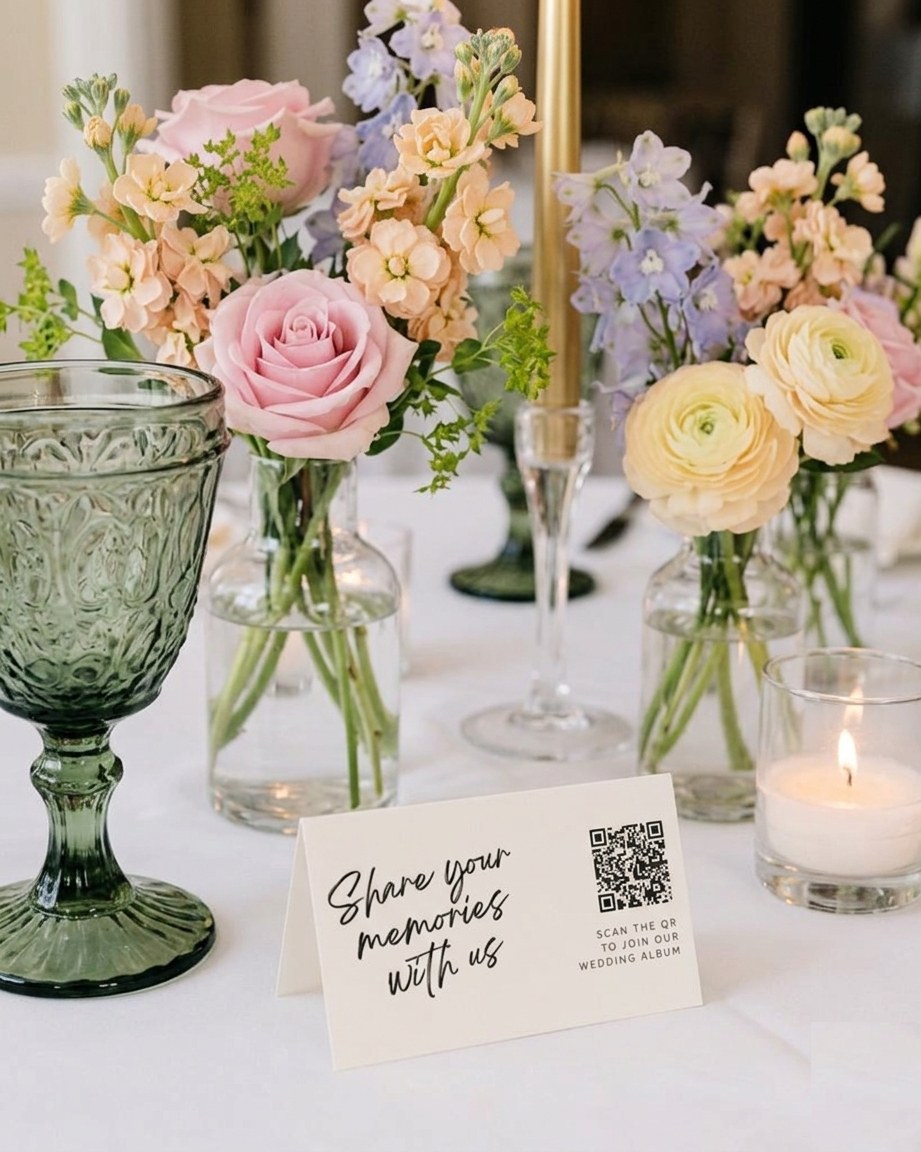
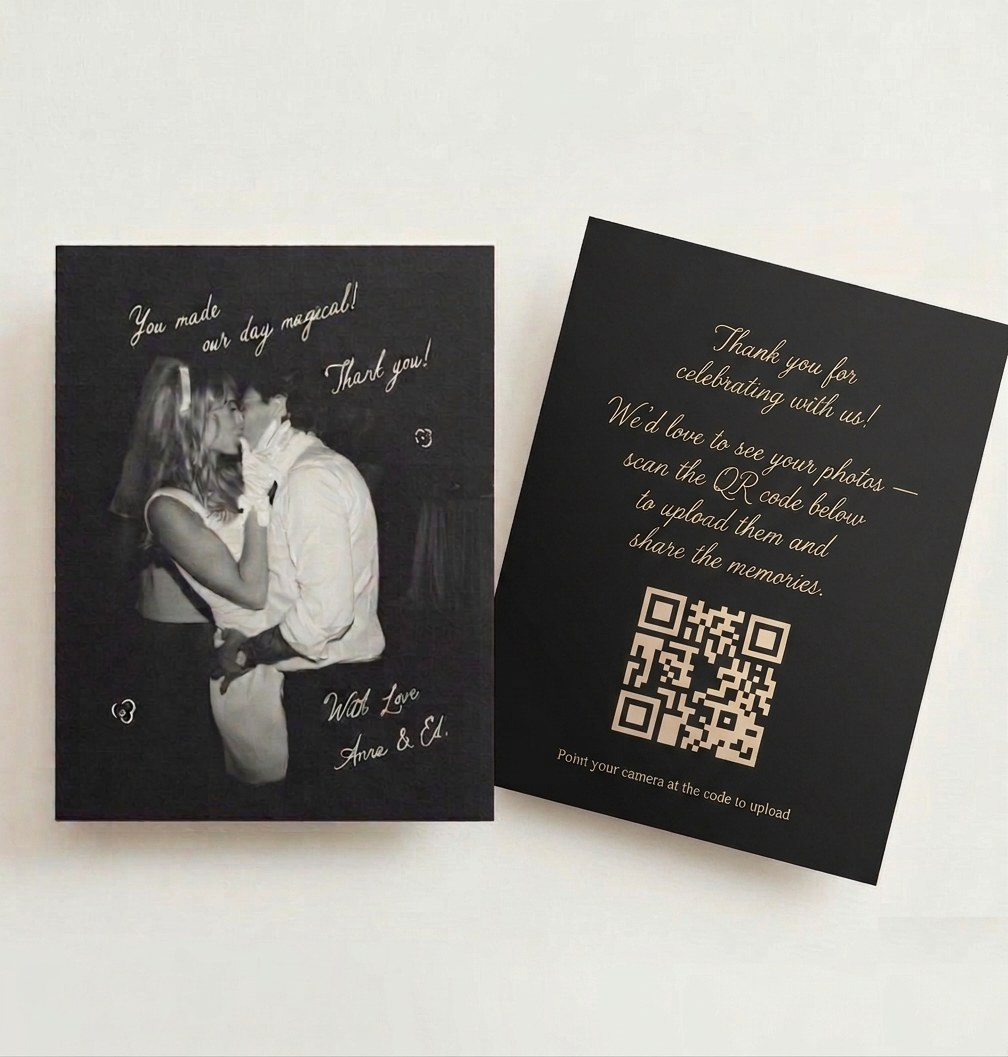
This is the key step. You display your QR code at the venue — on table cards, in the photo booth, on a sign at the entrance, even printed into your wedding programmes. Guests see it throughout the day, not just once in a group message they might miss.
When a guest takes a great photo, they scan the code, upload it instantly, and carry on with the party. No app to download. No account to create. No friction whatsoever. It works on any phone, for any guest — yes, even your granny.
Step 3: Watch the Gallery Fill Up in Real Time
As the day unfolds, photos and videos appear in your private gallery in real time. You can peek at them that same night, or wait until the honeymoon. Everything is collected in one place, in full resolution, ready to download in a single click whenever you want.
Why a Photo-Sharing App Beats Every Other Method
Most couples have tried at least one of the alternatives below. Each one sounds reasonable on paper — and each one quietly fails on the day. Here’s how a dedicated photo-sharing app like Posy compares.
vs. WhatsApp and group chats
Group chats compress every photo, bury images under reactions and replies, and leave out anyone who wasn't added. With a photo-sharing app, every guest uploads through the same link in full resolution — nothing gets lost in the noise.
vs. Email or AirDrop later
This relies on people remembering, digging through their camera roll a week later, and actually sitting down to send. Most won't. A photo-sharing app collects in the moment, while the memory is fresh and the phone is already in their hand.
vs. Wedding hashtags on Instagram
Hashtags only capture what guests choose to post publicly — a tiny, curated slice. You also have to monitor, screenshot, and accept compression. A private gallery captures everything, including the photos guests would never share on social.
vs. A shared cloud folder
Google Drive or iCloud folders sound efficient until your 78-year-old grandfather tries to sign in at the bar. The friction kills participation. A photo-sharing app needs no login, no install, no account — just a QR scan.
What the app gives you that nothing else does
- Effortless on your side. No chasing, no sorting, no merging downloads from ten different places.
- Full-resolution everything. Print-ready files, not chat-compressed thumbnails.
- Complete coverage. Every guest contributes from the same QR code, so you get the full picture of the day — not just the social-media highlights.
- One private gallery. Browse it the next morning. Download the lot with one click whenever you’re ready.
The difference isn’t just convenience — it’s completeness. When collecting photos from wedding guests is as simple as scanning a code, guests actually do it. You get the dance floor chaos, the tearful reactions during the speeches, the late-night selfies, the moments your photographer never could have caught.
Practical Tips for Making It Work on the Day
Put the QR code where the cameras are
The photo booth, the sweetheart table, and the bar are your three golden locations — the spots where guests are most likely to have just taken something worth sharing.
Mention it in the speeches
One quick line from the best man or MC — "scan the QR on your table so the couple can see your photos" — will do more for your gallery than any sign ever will.
Print it on your table cards
Most table cards have room for a small QR code alongside the menu. That puts the invitation to share directly in front of every guest during dinner.
Put a sign at the entrance
Greeting guests with "Welcome — please share your photos!" sets the tone from the moment they arrive and makes sharing feel like part of the celebration.
Include it on your wedding website
Let guests know ahead of time that there'll be a shared gallery. It builds anticipation and means they already know what to do when they see the code.
Keep the gallery open afterwards
Plenty of guests only get round to uploading the next day (or the next week, if they had a really good time). Leave it open and you'll be surprised how much trickles in.
What to Look for in a Wedding Guest Photo Collection Tool
Not every solution is created equal. Here’s what actually matters when you’re choosing how to collect your wedding guest photos.
What to look for in a tool
- No app required. If guests have to download something, a big chunk of them simply won’t bother. The best tools work straight from the browser — scan, upload, done.
- Full-resolution uploads. Your wedding photos deserve to be printed, framed, and passed down. Make sure the tool stores full-quality files, not compressed previews.
- A private gallery. You don’t want your wedding photos floating around publicly. Look for a solution with a private link that only the people you share it with can access.
- Real-time uploads. Part of the magic is watching the gallery fill up during the day. As a bonus, it gives you something beautiful to scroll through on the wedding night.
- Easy bulk download. At the end, you want everything in one go — a single-click download of all your photos and videos in full resolution, no picking them off one by one.
Posy covers all of this. Guests scan, upload instantly with no account, and everything lands in your private gallery. When you’re ready, you download the lot in full resolution with a single click — and the gallery stays accessible for 12 months, so there’s no rush.
A Note on Your Professional Photographer
Using a guest photo gallery isn’t about replacing your photographer — it’s about complementing them. Your photographer captures the planned moments beautifully. Your guests capture everything in between: the inside jokes, the impromptu toasts, the spontaneous group photos that nobody coordinated.
Think of it this way: your photographer gives you the album. Your guests give you the behind-the-scenes film. Both are irreplaceable, and both deserve to be preserved.
The Bottom Line
If you’re asking how to collect photos from wedding guests, the honest answer is this: don’t rely on people’s good intentions after the fact. Make it effortless to share in the moment, and you’ll end up with a gallery that captures your whole day — not just the parts your photographer was standing in front of.
Set up a QR code gallery before the wedding. Display it prominently at the venue. Mention it once during the reception. Then sit back and watch your guests fill it for you.
Create your free wedding gallery on Posy
No app for your guests. No chasing. No missing memories. Just every moment from every person who was there to celebrate with you.
Get started →